
Customise MAS terminology
Customise selected labels in MAS to match your organisation’s terminology.
Text replacements allow you to override specific field names across MAS, reports, exports, and batch files.
Text replacements are configured by Vitesse.
To create or update text replacements, contact your Vitesse relationship manager.
How text replacements work
Each replacement defines:
- A Text Identifier – the default label in MAS
- A Substitution Text – the label displayed instead
For example:
External Reference 1→Payment Reference
Wherever the original label appears, MAS displays the replacement.
Scope
Text replacements apply to:
- Pages and forms
- Grids and grid exports
- Batch file imports
- Selected reports
Not all text in MAS can be replaced.
View text replacements
To view active text replacements:
- Go to Administration > Branding
- Select Text Replacements
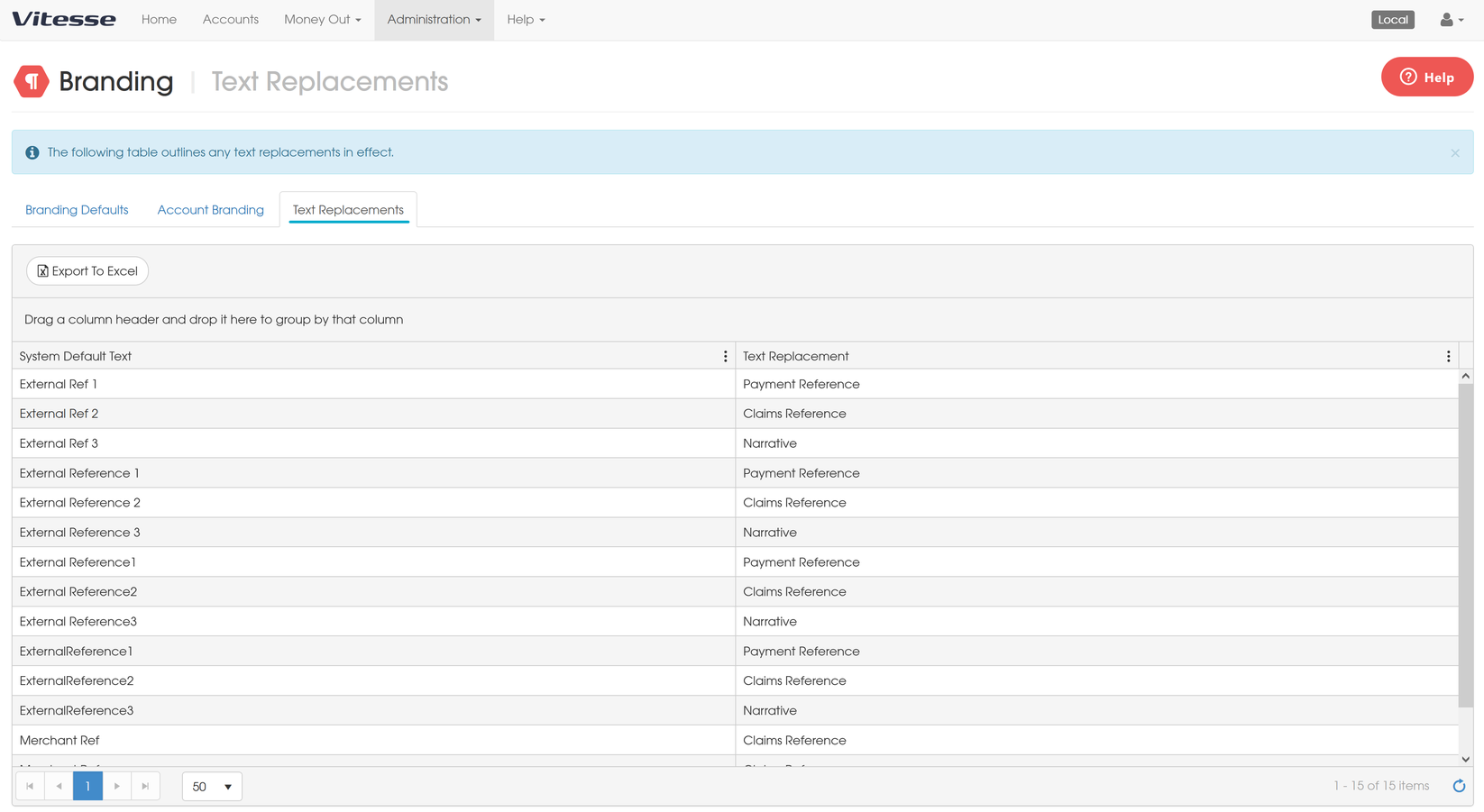
You must have the Merchant Admin or Manage Branding role to access this page.
Batch files
If a column name matches a text identifier, MAS accepts both:
- The original column name
- The replacement name
For example:
External Ref 1orPayment Reference
Reports
Text replacements are supported in the following reports:
- Account Entries Statement
- Account Entries Export
- Transactions Statement
- Transactions Export
- Transactions Completed Statement
- Transactions Completed Export
- Transactions Incomplete Statement
- Transactions Incomplete Export
CSV exports do not support text replacements. Use Excel format instead.
Updated 6 months ago