
Create a stored recipient
Use Recipients to save and reuse recipient details when making multiple payments.
Get started
Enter the basic payment details, including where the recipient is paid, the payment currency, and how the recipient will receive the funds.
-
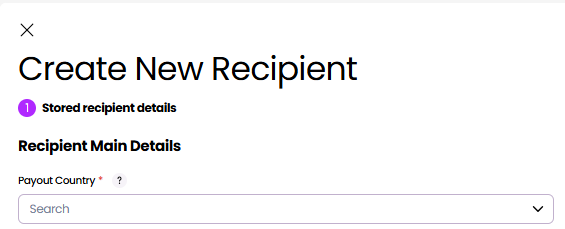
On the Recipients page, select Create recipient.
-
Select the Payout Country, where the recipient's account is held.
-
Select the Payout Currency.
-
Select the Payment Method, which is how the recipient will receive their money.
The Payout Country and Payout Currency determine which Payment Method options are available. Together, all three selections determine which additional fields are shown.
For example, postal cheque is available only for domestic USD payments within the US.
Recipient Details
Complete the recipient information by providing the required account and contact information.
- Select the Recipient type, either Business or Person, based on the recipient's account type.
- Enter the recipient's name and contact details.
- Enter the Account Details, which will dynamically change according to what is required for the selected payment method.
- If required, add a Recipient Address.
Structured recipient addresses are required for some payments. For more information, see Which payments require a structured recipient address? - If required, add Additional Details to capture the External Id, which links the recipient to an existing record in your system.
- Select Continue.
Review
Review the payment details before submitting.
- Check that all details are correct.
- Select Create to create the recipient.
- Alternatively, to edit a section, cancel the Review Details, then make your changes.
Updated 3 months ago