
Payments
This feature is in pilot with some customers. If you're interested, contact your Vitesse Representative or Support.
The Payments section allows you to make and manage payments. All submitted payments appear in the Payments list.
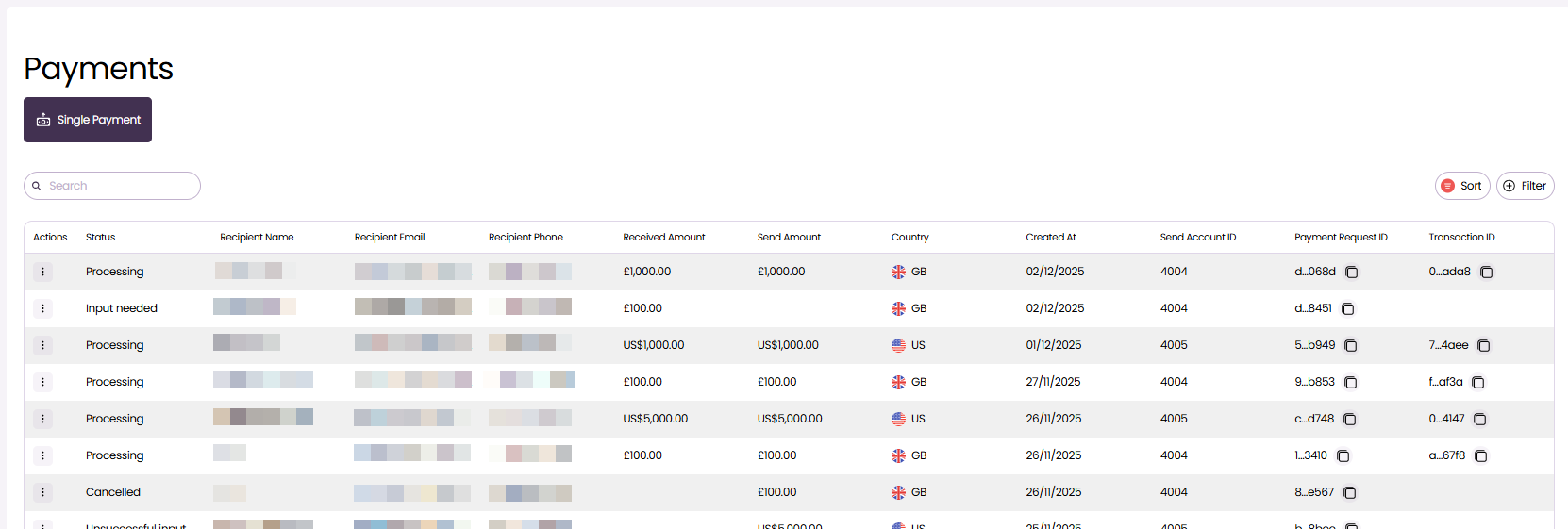
From here, you can:
- Make a Single Payment with Payee Choice
- Use the Payments list to view all payments for the accounts you have permission to view
- Monitor payment status and progress
- Cancel payments in the initial processing stage
About making payments
Currently, Vitesse online supports single payments with Payee Choice.
When you make a single payment, Vitesse generates a secure payment link that the recipient can use to access the payment. The recipient selects how they want to receive their funds, such as by bank transfer or check (US only), and enters their payment details securely.
Each payment is linked to a Programme, which defines the available source accounts, delivery method options, supported currencies, and the branding shown to the recipient.
Updated 4 months ago