
Manage account access
Use Administration > Account Access to manage which users can access accounts.
You can grant and revoke access to accounts, and view who has access to each account.
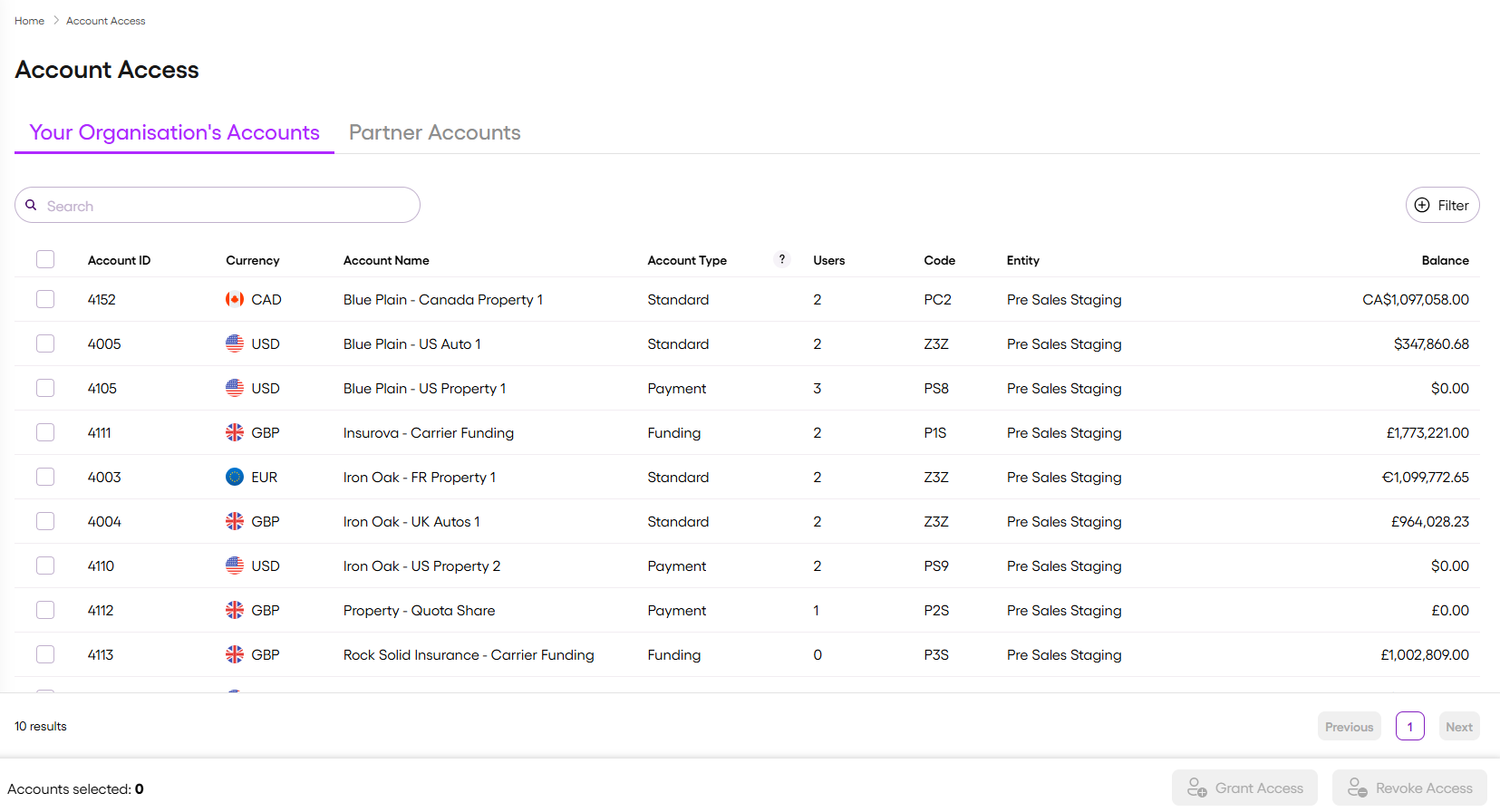
Your organisation's accounts
Use this tab to view and manage access to accounts owned by your organisation.
Partner accounts
Use this tab to view and manage access to accounts owned by another organisation, which are shared with your organisation through a service.
You can only assign users within your entity, and only to accounts included in the service.
For information about organisations and entities, see Organisations and entities.
For information about services, see Understanding delegated account access in Vitesse online.
Audit
All access changes are recorded and available on request.
Updated 3 months ago